Swift tips #1 — Scripting with Swift
Swift tips #1: Scripting with Swift
 Like sh but better!
Every engineer has this moment in their lives when they start thinking — “I should create tooling for my project to make things quicker”. They usually start with bash then feel “it’s not enough — I should use a proper scripting language”. And there are plenty of them: Python, Ruby, JavaScript but why not use swift instead?
You might say: “Wait a second — I don’t want to compile my code and maintain a binary!” And it’s a legit take — no one wants to go through “write -> run -> build -> put somewhere to execute -> repeat” every time when they just want to do something real quick. I literally feel like I’m getting older doing this. Here is a simple trick that makes your swift files runnable
Step 1: Create a script
Create a script file: your_script_name.swift with some code
print("I'm doing something")Step 2: Add shebang
Add shebang to the start of the file:
#!/usr/bin/env swift
print("I'm doing something")
Step 3: Give it rights
To execute it in your favorite shell, make it executable:
chmod +x ./your_script_name.swiftStep 4: Enjoy
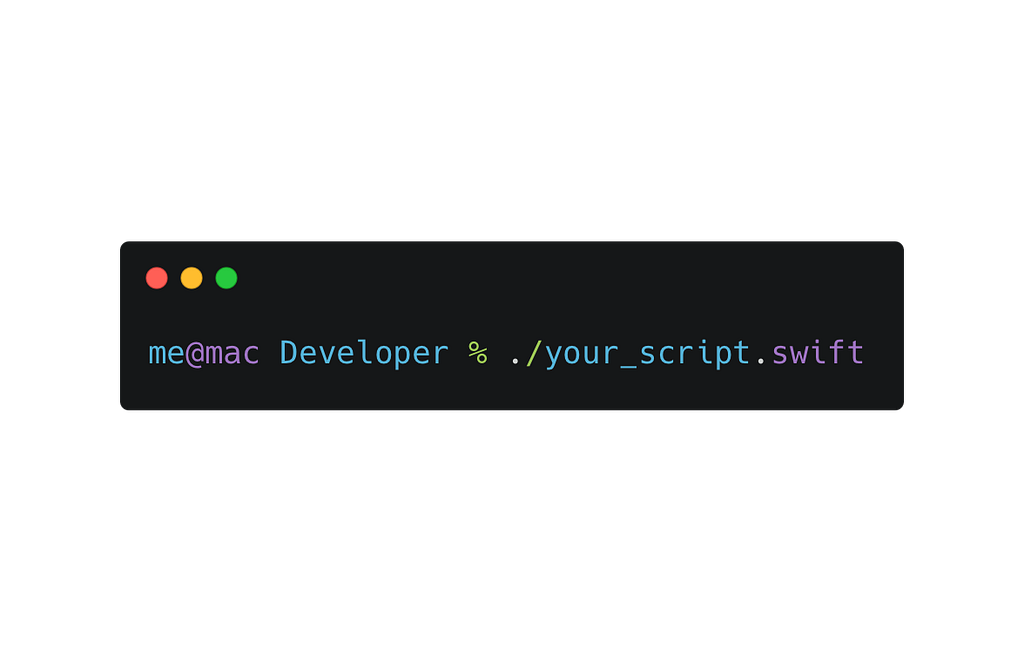
Now you can run your script the same way that you run any other scripts in Terminal
./your_script_name.swift
I'm doing something
That’s it, that simple, you don’t need any other programming languages in your code base and strange binaries that you always forget to update. The simple things need simple solutions, spend your saved time for something beautiful.
Happy scripting!